


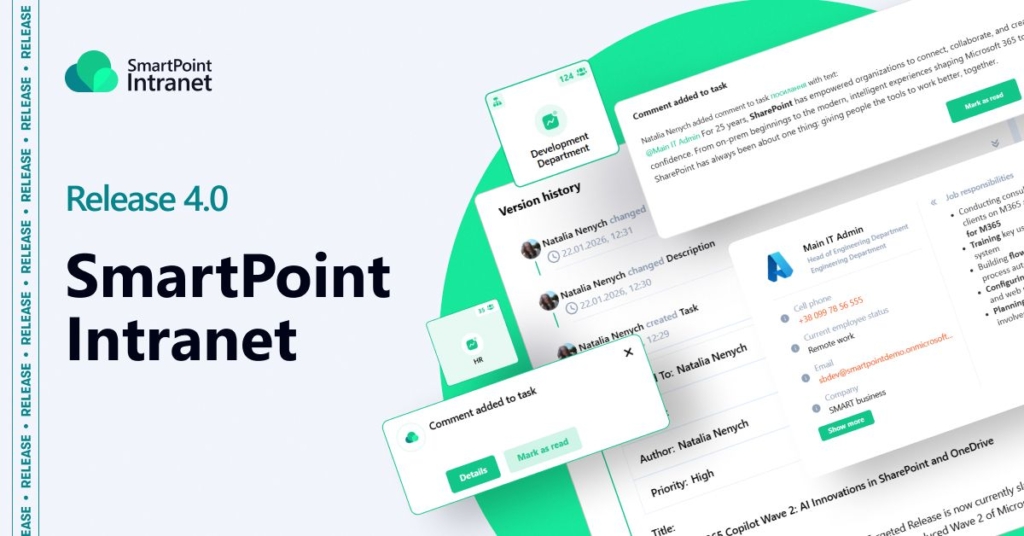
In Release 4.0, we enhanced key scenarios related to task management, notifications, and employee collaboration. The updates include extended user search capabilities in the Task Center, new notification trigger events, and improved integration with Microsoft Teams. We also simplified team communication by enabling quick access to Teams chats directly from the user card and automatic addition of watchers when users are mentioned in task comments.
Below is a more detailed overview of the key improvements.
Expanded User Search Scenarios in the Task Center
- What has been implemented?
We updated the user search mechanism in the task card. The search now supports first name, last name, email, and full name. The first areas to receive the update were the “Assignee” and “Watcher” fields in the task form, as well as the filtering panel on the Task Center page.
- How does it work?
The search now checks several user profile attributes simultaneously. This supports scenarios where the value in the “Full Name” field does not match the separate “First Name” and “Last Name” fields — for example, when a company adds transliteration or other information. As a result, users can find the right person regardless of which data they enter into the search field.
- What are the benefits?
The updated search significantly simplifies user selection in typical work scenarios and reduces the number of errors when assigning tasks. It makes user search faster, more convenient, and more predictable, especially in environments with specific approaches to employee profile management. As a result, users spend less time searching and can focus more on working with tasks.
New Notification Trigger Events and Separate Fields for Microsoft Teams Notification Texts
- What has been implemented?
We expanded the product Notification Builder and increased the number of supported notification trigger events to 16. New notification scenarios have been added, including checklist item assignment, reopening previously closed tasks, and mentioning users in comments. Separate fields for configuring unique notification texts for Microsoft Teams have also been added to the Notification Builder.
- How does it work?
Each supported event type can now have its own notification text, allowing users to receive more detailed information about task changes. In cases where multiple events could be triggered for the same task simultaneously, an exclusion logic is applied — the system automatically determines the priority and sends only one relevant notification instead of several at once. Separate Microsoft Teams settings make it possible to tailor notifications to the format and communication style of this tool.
- What are the benefits?
The update reduces information noise and prevents situations where users receive multiple similar notifications for the same task. Users now receive clearer, more contextual notifications that better explain the reason behind the alert. As a result, task-related processes become more transparent, and collaboration through Microsoft Teams becomes more intuitive and convenient.
Quick Access Button to Microsoft Teams Added to the User Card
- What has been implemented?
A quick access button to Microsoft Teams chat has been added to the user card. Since the user card is used across almost all sections of the HR module as well as in the Personal Profile, the update is available in the corresponding product web parts.
- How does it work?
By clicking the button, the user is automatically redirected to a chat with the selected employee in Microsoft Teams. From there, they can immediately continue the conversation or, if needed, schedule a meeting without any additional steps or manual contact search.
- What are the benefits?
The update simplifies communication between employees and reduces the number of transitions between tools. Users can contact colleagues more quickly directly from the working context they are currently in. This is another example of seamless product integration with Microsoft Teams, improving the convenience of daily work and the efficiency of team collaboration.
Automatic Addition of Mentioned Users to Task Watchers
- What has been implemented?
Automatic addition of users mentioned in task comments to the “Watchers” field in the task form has been implemented. The product now also includes a limit on the number of watchers per task — up to 30 users.
- How does it work?
When a user is mentioned in a task comment, the system automatically adds them to the list of Watchers for that task. The added user gains access to the task and can monitor its progress. If the number of watchers reaches the established limit, no additional users are added.
- What are the benefits?
The update simplifies involving colleagues in task-related activities without requiring additional manual actions. Users mentioned in comments immediately receive the necessary context and can provide consultations or support when needed. This increases transparency in collaboration and makes teamwork on tasks more convenient and efficient.
Would you like to see all the updates in more detail? Leave a request for a consultation!
